
For drivers
Your trip report, finished before you leave the yard
TruckTracker is the app your carrier uses instead of a paper trip packet. You log stops and snap paperwork as the day happens, and the report writes itself.
The driver app is in final testing and rolling out shortly. If your carrier already gave you a company code, hold onto it — that is all you will need on day one.
Getting connected
Three steps, once
- 1
Ask for your company code
Your dispatcher or fleet manager has it. It is a short code that links your trips to your carrier.
- 2
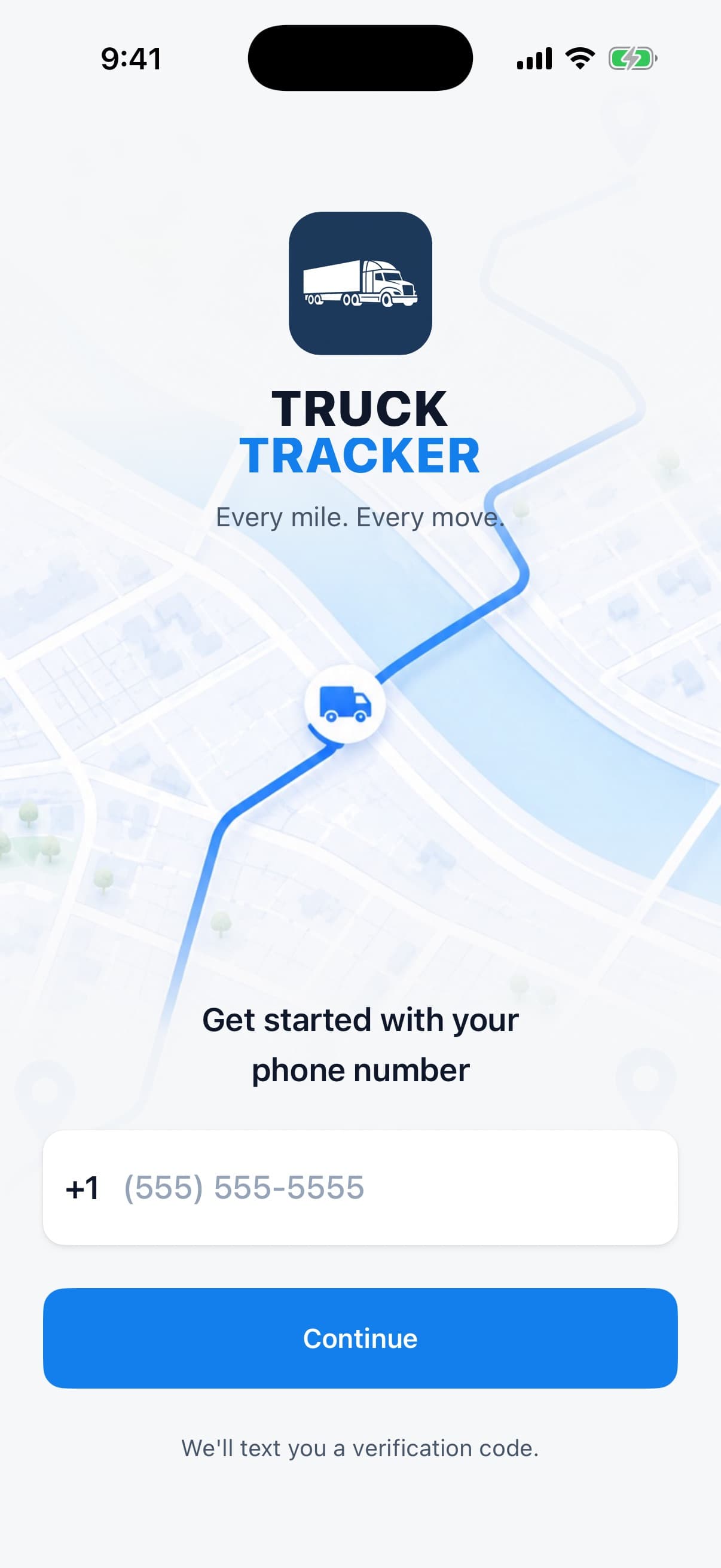
Sign in with your phone number
No username, no password. You get a text with a 6-digit code and you are in.
- 3
Enter the code and drive
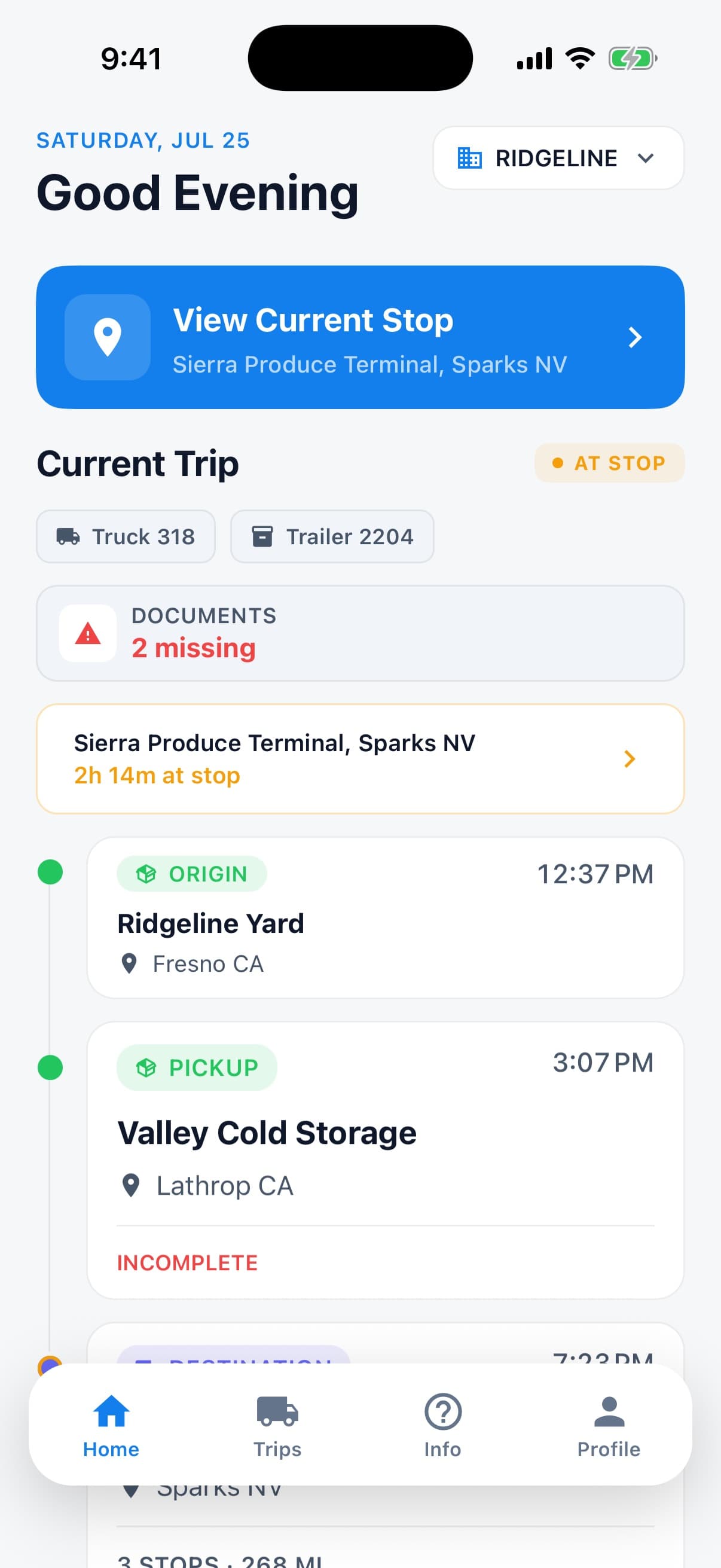
Once your account is connected, start a trip and log your first stop. Dispatch sees it right away.
What the app does for you
Everything you do from the cab, and nothing you have to do afterwards.
Log a stop in a few taps
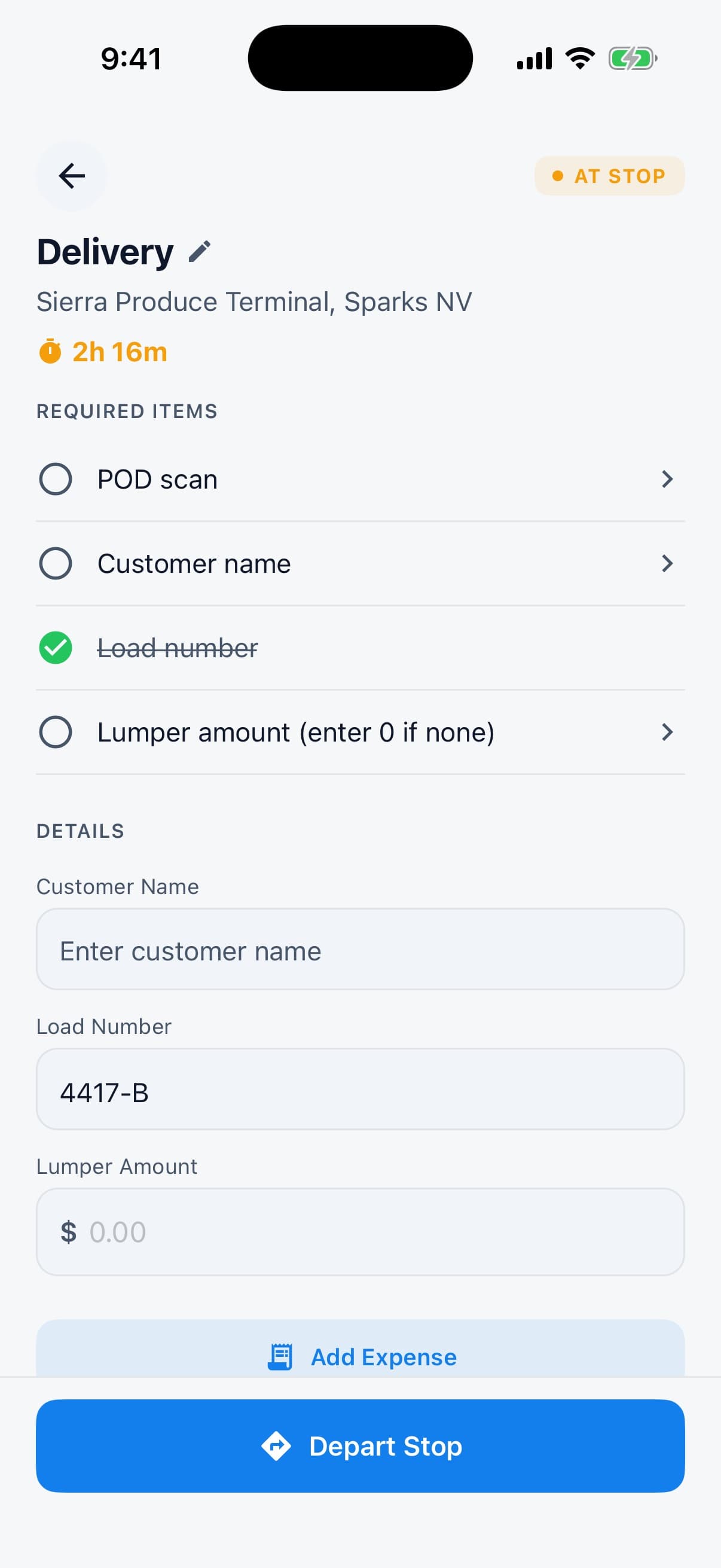
Pickup, dropoff, warehouse, shop, yard, truck or trailer swap — pick the type, confirm the location, and keep moving.
Scan paperwork with your camera
BOLs, rate cons, and lumper receipts get scanned into the trip. No more folder of curled paper on the dash.
Record expenses as you spend
Fuel, tolls, repairs, and lumper fees with the receipt attached and a note on who paid — so reimbursement is not a fight later.
Miles counted for you
Distance between your stops is calculated as you go, so the mileage on your trip report is not a shift-end estimate.
Send the finished report
Close out the trip and share the completed report as a PDF straight from your phone.
One code connects you
Your company code links your trips to your carrier's portal. Drive for more than one? Your account handles that.
Common questions
- Do I need a company code to use it?
- To share trips with a carrier, yes. Ask your dispatcher for it.
- Why does it want my camera and location?
- The camera scans your documents and receipts. Location fills in stop details, calculates trip mileage, timestamps your arrivals and departures so detention is counted from when you actually got there, and adds up your miles by state for your carrier's fuel-tax report. It is not used for anything outside your trips.
- I drive for more than one carrier.
- Your account can be connected to more than one company, and each company only sees the trips that belong to it.
- Who do I contact if something breaks?
- Start with your fleet manager for account questions. For app problems, email us and include your phone number and roughly when it happened.
Running the fleet instead of driving it? Create your company.